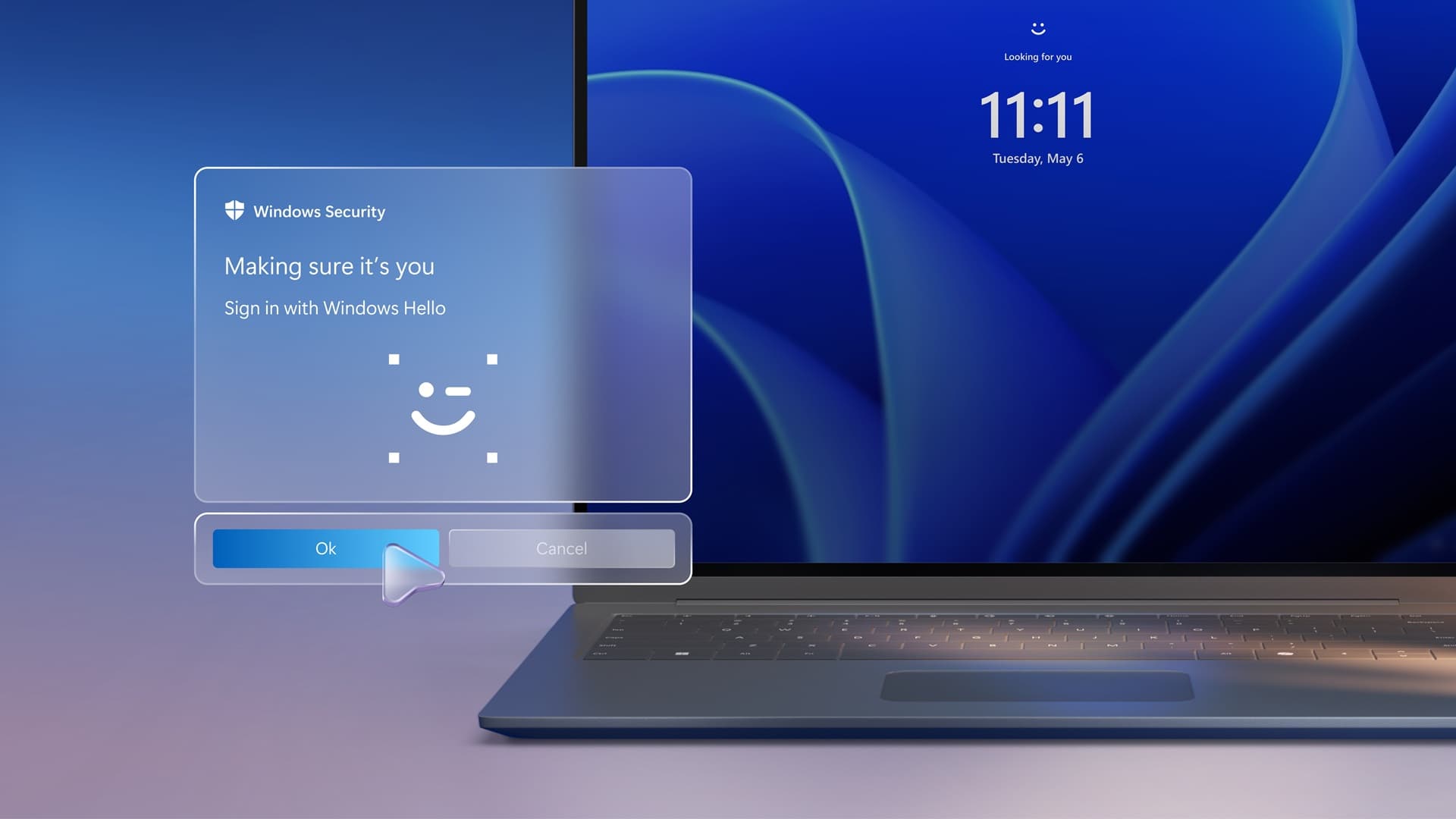
Microsoft is testing a change to the Windows 11 lock screen that addresses a small but persistent annoyance: having to wait for Windows Hello to finish trying to recognize a face or fingerprint before falling back to a PIN.
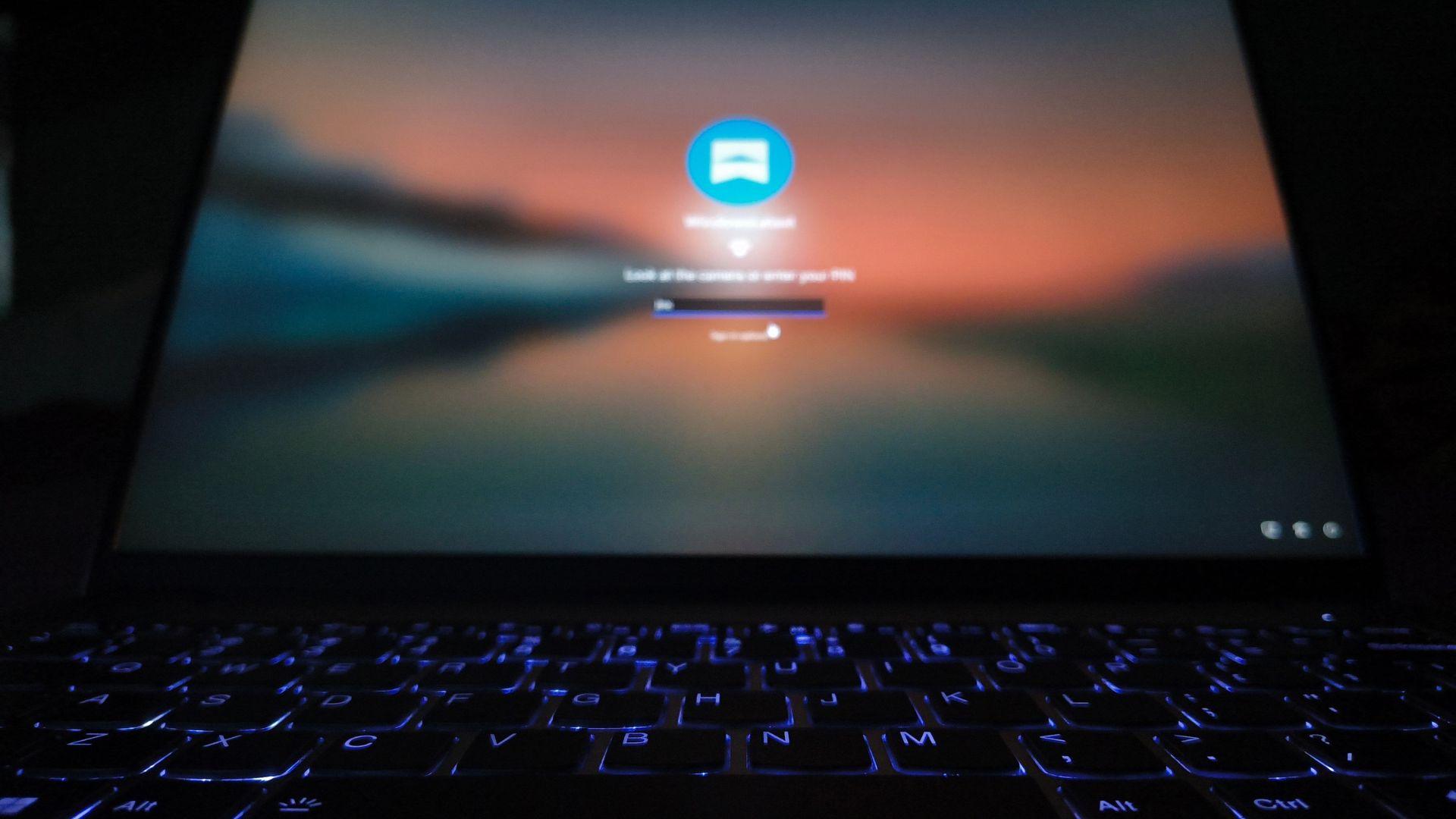
The update arrives in Windows 11 Insider Experimental Build 26340.9882, released on November 6. According to a report by Windows Latest, which tried the build on a Lenovo laptop equipped with an infrared camera, the PIN field is now available while biometric recognition is still running.
What Changes on the Sign-In Screen
Previously, Windows Hello required users to wait until face recognition succeeded or failed. The only way to skip ahead was to open Sign-in options and select the PIN manually, adding two clicks to every attempt.
In the new build, the lock screen prompts users to look at the camera or enter a PIN, and the PIN box is ready immediately. Microsoft's release notes say users can now "use whichever method works first."
On devices with both a fingerprint reader and an IR camera, Microsoft's own screenshot shows a prompt offering face or fingerprint recognition, with the PIN entry field placed directly underneath.
Faster Retries and Security Safeguards
When face recognition fails, the screen now offers a direct option to retry face sign-in. Before, users were pointed back to Sign-in options to try again, so this change also removes a couple of clicks.
Microsoft has not relaxed its security rules. After a restart, Windows still requires the PIN before face or fingerprint sign-in becomes available again. Windows Latest noted the new experience appeared as soon as the build was installed, without the need for ViVeTool or registry edits.
Why Low-Light Sign-In Became Harder
The update lands against a backdrop of complaints about face recognition in the dark. With the April 2025 update KB5055523, Microsoft began requiring the color camera to see a visible face for security reasons, which broke Windows Hello for many users whose laptops have privacy shutters.
On machines with both an IR sensor and a standard RGB webcam, the IR camera can often see the user in low light while the color camera cannot, leaving people to type their PIN anyway. Some users work around this by disabling the RGB camera in Device Manager, but that undermines Microsoft's added security check, disables the webcam for video calls, and reportedly did not help everyone.
A Screen Brightness Fix on Hold
Microsoft has also experimented with using the display itself as a light source. Build 26340.9750, released to the Experimental channel on October 16, added a setting to automatically raise screen brightness during face recognition.
According to Microsoft's support documentation, the feature activates only when the IR camera can see a face but the color camera cannot, and brightness returns to normal afterward. Microsoft has since pulled the toggle following feedback and says it will return starting November 2026, switched off by default.
New Logging for IT Administrators
The build also expands Windows Hello event logging. In the Security log, event 4628 records which Hello methods a user has configured and which one was used to sign in, while event 4629 captures failed attempts. Both rely on the existing Audit Logon policy.
For troubleshooting, events 5010 and 7010 in the HelloForBusiness Operational log record each sign-in and unlock along with its result, giving administrators more visibility into how authentication behaves across devices.
How to Try It and What It Signals
Users can access the build by joining the Windows Insider Program through Settings, linking a Microsoft account and choosing the Experimental channel. The build is based on Windows 11 26H2, and features are rolling out gradually, so not everyone will see them immediately.
Experimental builds carry risks, including a bug in this one where Task Manager's CPU speed does not update, so testing in a virtual machine or after a backup is advisable. Microsoft has not said when the sign-in change will reach mainstream Windows 11 PCs.
For businesses managing fleets of laptops, the combination of quicker fallback to PIN and richer audit logs suggests Microsoft is trying to balance convenience with the tighter biometric checks it introduced last year.
Source: Windows Latest