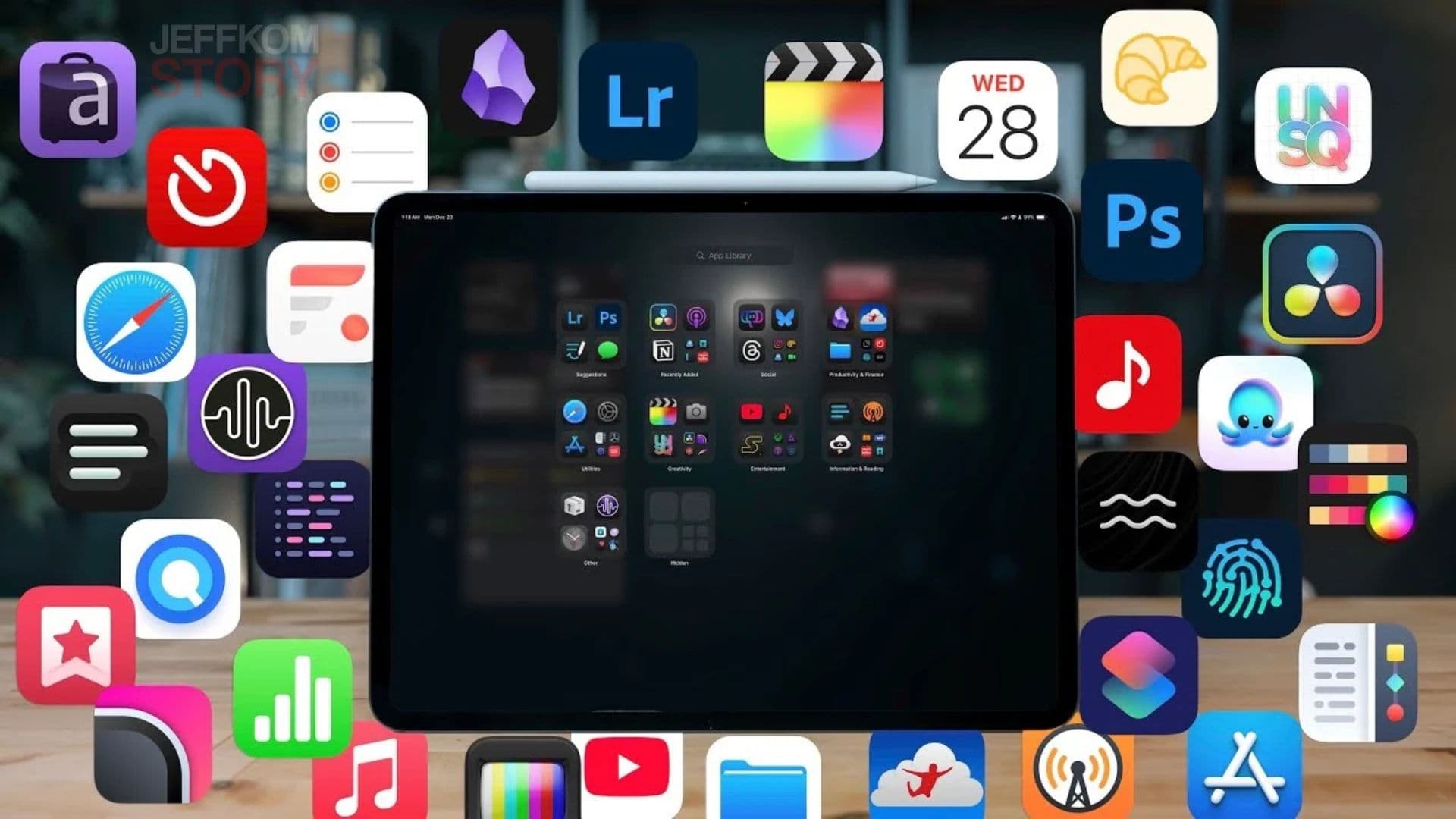
If you want to explore your creative side, the iPad is one of the best tools you can use today. What started as a simple device for browsing and streaming has now become a powerful creative machine. Whether you’re into drawing, design, video editing, or simple sketching, the App Store has something for everyone.
Here’s a highly readable, SEO-optimized guide to the best creativity apps for iPad — featuring powerful, lesser-known options beyond the usual Adobe lineup.
1. Procreate – The Ultimate Digital Art Studio
Best for: Illustration, painting, animation
Price: One-time $12.99
Procreate is a go-to app for digital artists. It’s packed with brushes, gesture controls, and high-resolution canvas support up to 16K by 8K. Whether you’re sketching or animating, the interface stays simple and clean.
Key features include QuickShape, ColorDrop, Drawing Assist, and StreamLine. Once you finish your artwork, Procreate lets you share a stunning time-lapse “Replay” of your creative process.
2. LumaFusion – Professional Video Editing on iPad
Best for: Video creators, indie filmmakers
Price: One-time $29.99
If you’ve outgrown iMovie, LumaFusion is your next step. It supports multilayer editing, 4K ProRes, HDR media, transitions, advanced audio tools, and custom graphics. You can edit in any aspect ratio — portrait, landscape, widescreen, or anamorphic.
It’s perfect for creators who want pro-level editing without a desktop setup.
3. Canva – Quick Designs for Everyone
Best for: Social media posts, presentations, graphics
Price: Free (Pro at $12.99/month)
Canva makes design simple, even if you’re not a graphic designer. With thousands of templates, you can create everything from videos to infographics to website mockups. Its AI features — like Magic Switch and Magic Media — make content creation faster and easier.
4. Affinity Designer 2 – Powerhouse Graphic Design App
Best for: Graphic designers, illustrators, UI/UX creators
Price: One-time $18.49
Affinity Designer 2 is built for precision. It blends vector and pixel tools, supports Apple Pencil’s pressure sensitivity, and offers zoom levels up to 1,000,000%. You can design logos, icons, UI layouts, posters, and even your own fonts.
It’s a professional alternative to Adobe Illustrator at a fraction of the price.
5. Concepts – Sketch, Plan, Think, Create
Best for: Architects, planners, designers, mind-mapping
Price: Free (Premium $4.99/month)
Concepts is flexible and excellent for brainstorming. You can sketch, write notes, create storyboards, and refine ideas without starting over. It features realistic tools, measurement systems, and customizable tool wheels.
Perfect for professionals who think visually.
6. Tayasui Sketches – Beautiful, Simple Drawing App
Best for: Beginners, illustrators, casual artists
Price: Free (Pro $2.99/month)
Tayasui Sketches offers realistic watercolor, acrylic brushes, blending tools, gradients, and a peaceful “Zen Mode.” It supports multitasking for dragging files between apps and keeps your artwork organized in custom folders.
Its simplicity makes it perfect for stress-free creativity.
7. Dudel Draw – A Fun Way to Get Creative Daily
Best for: Daily creative challenges, beginners
Price: Free
Dudel Draw gives you a new shape every day and encourages you to turn it into something imaginative. You can flip and rotate the shape for more ideas, and even share creations with friends. It’s a fun way to build skills and reduce creative block.
8. Sketchbook – Natural Drawing Experience
Best for: Sketching, digital painting
Price: Free (Premium $2.99)
Sketchbook feels like drawing on real paper. Its clean interface helps you focus, while customizable brushes and predictive stroke tools enhance your lines. Premium users can import brushes, export PDFs, and adjust canvas sizes anytime.
Final Thoughts
Your iPad can be much more than a content-consumption device. With the right apps, it becomes a full creative studio — whether you want to illustrate, design, sketch, or edit videos.
These lesser-known apps offer powerful, affordable tools that help you spark ideas, practice daily, and bring your imagination to life.
If you’re ready to unleash your creativity, start exploring these apps today and transform your iPad into the ultimate creative companion.